Law App's Document Query Language is built and maintained entirely in-house by our development team. It works across Microsoft Word and Outlook today — and our team is actively researching how far we can push document automation across the platforms Australian lawyers use every day.
Most legal software relies on third-party templating engines. Law App's DQL is entirely ours — conceived, built, and continuously developed by our in-house team. That means it evolves with Australian legal practice, improves with every release, and is not constrained by what a third-party vendor decides to prioritise.
Our development team owns DQL entirely. When Australian legal practice changes, we update it. No dependency on any external vendor.
Our team is continuously researching how far document automation can go — testing new platforms, new document types, and new ways to remove manual work from legal practice.
DQL is architected to be cross-platform from the ground up. It works in Word and Outlook today. Our team is actively exploring what comes next.
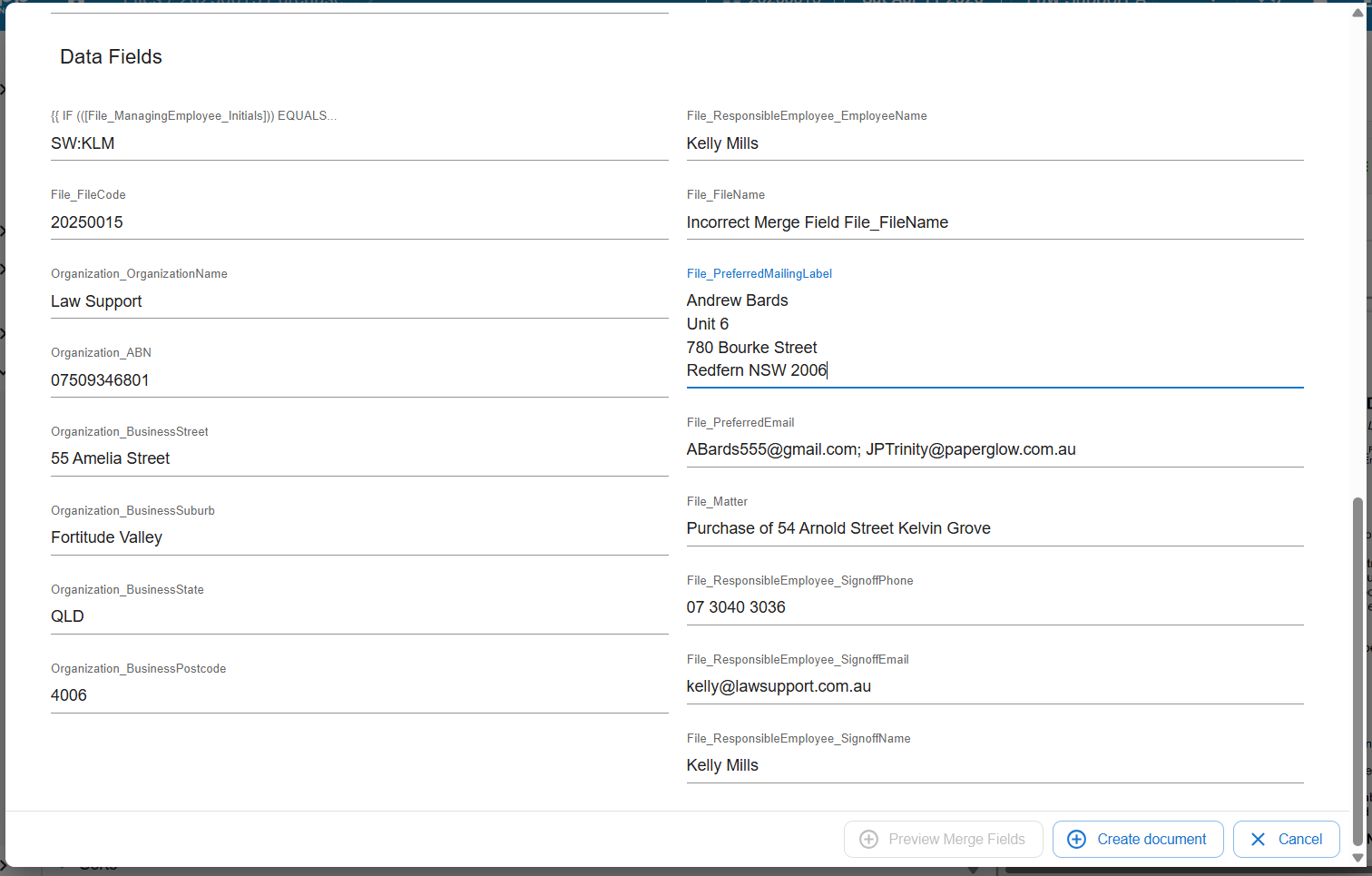
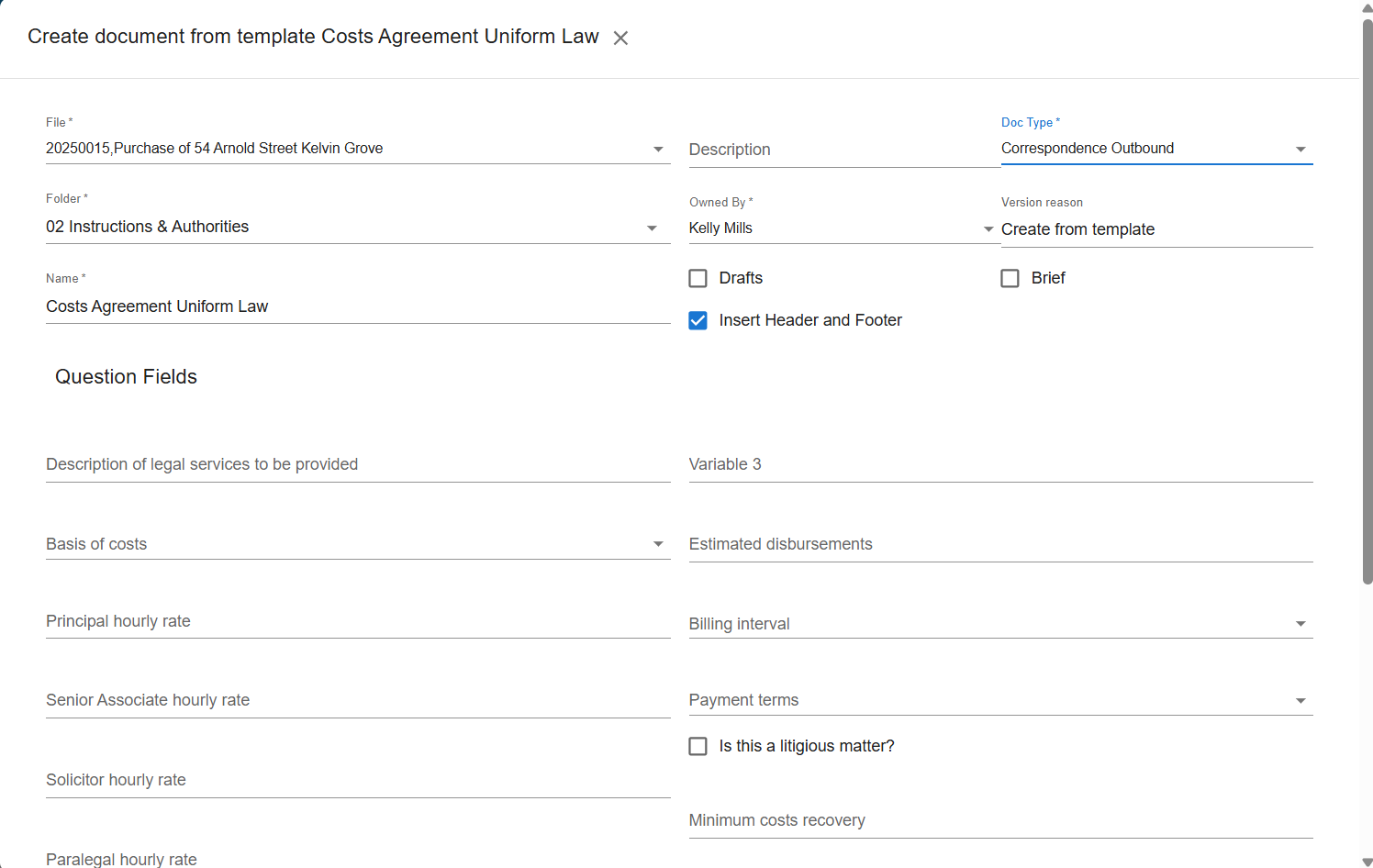
Full merge fields, ASK prompts, conditional logic, nested IF statements
Real Outlook emails auto-filled from your file — not an in-app substitute
Our dev team is actively researching DQL integration across further document formats and platforms used in Australian legal practice. We're testing how far we can go — and the results so far have been encouraging.
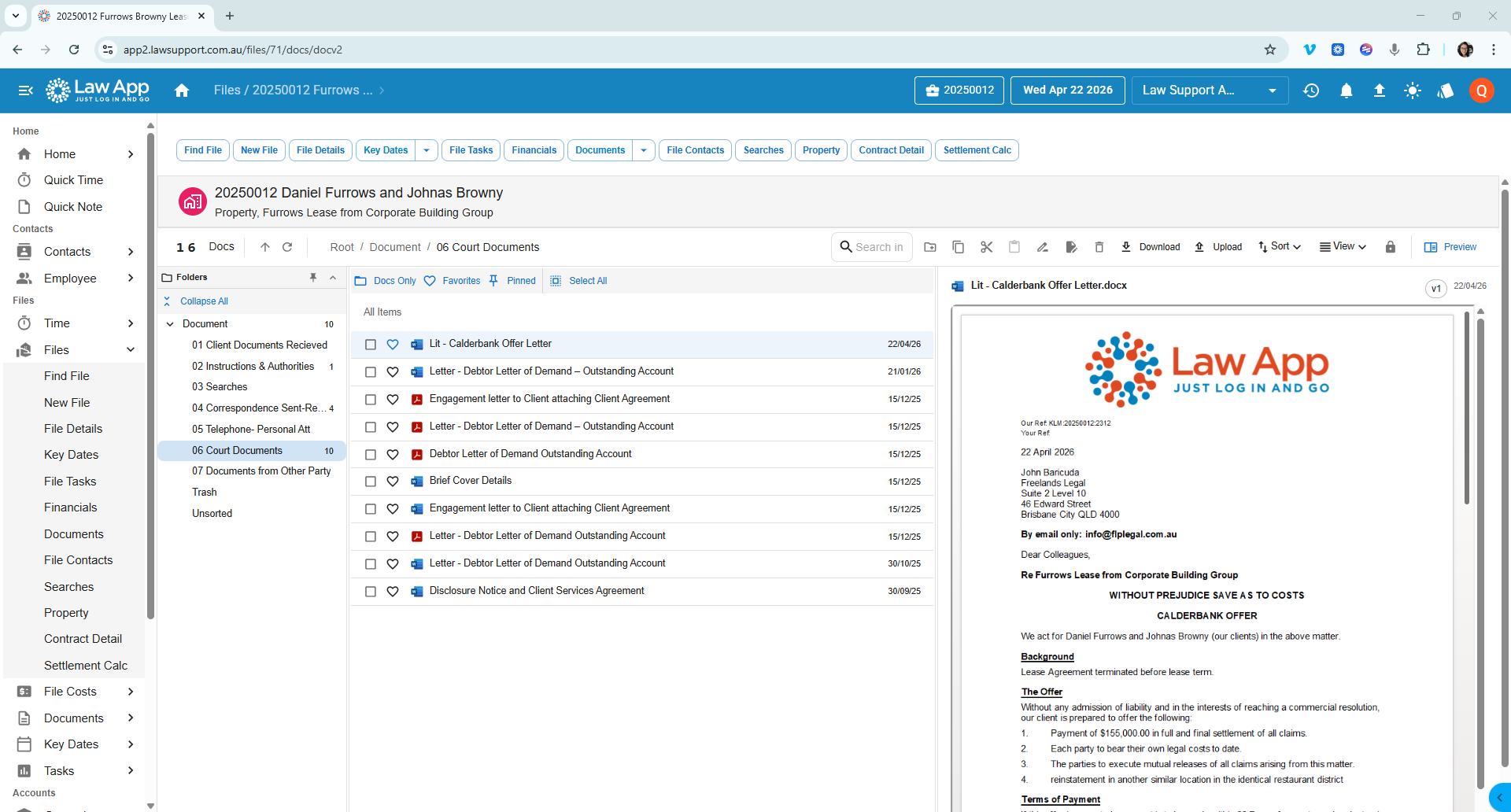
Every other practice management system makes you choose between a clunky in-app email composer that doesn't behave like Outlook, or building Outlook templates that don't connect to your file. Law App does neither.
DQL inserts merge field data sourced directly from your file into a real Outlook email. The email goes out from your actual Outlook account — with your real signature, your sent items, your calendar integration, your formatting tools. Everything Outlook does, because it is Outlook.
Templates in Law App are not all-or-nothing. Start simple and go deeper as your confidence grows — or let us build the complex ones for you from day one.
Auto-populate from your file. Client names, matter references, dates, addresses, employee details — all pulled directly from the database the moment a document is created.
Ask your team questions at the moment a document is generated. The answer goes into the document automatically — free text, dates, dollar amounts, or a dropdown list.
Include or suppress entire paragraphs based on what's on the file. A tenancy clause appears only if there's a tenancy. Nothing blank, nothing left out by accident. Nested conditions supported.
The more powerful DQL features — conditional logic, nested IF statements, complex merge field combinations — can look daunting to write from scratch. So we've removed that barrier entirely.
Law App provides every client with a fully developed AI context file. Load it into any AI assistant — Claude, ChatGPT, or whatever your team uses — describe in plain English what you want the template to do, and the AI writes valid DQL code for you. Ready to paste straight into Word.
No syntax to learn. No technical knowledge required. Any person in your firm can build sophisticated templates from day one.
Any person in your firm. Any AI assistant. Any template.
Load the Law App AI context file into Claude, ChatGPT, or your preferred AI tool. It gives the AI complete knowledge of DQL syntax and capabilities.
Describe what you want in plain English. "A conveyancing letter that includes a tenancy clause only if there's a tenant recorded on the file."
The AI writes the DQL code. Paste it into your Word template. Done. The AI handles every level of complexity — from a simple merge field to a nested conditional.
We keep the context file current. As DQL grows and new capabilities are added, the context file is updated — so your AI always knows what's possible.
DQL works across Word and Outlook today. Beyond that, our team is actively researching and testing document automation across the other platforms, form types, and workflows that Australian law firms use every day. We are not describing a roadmap — we are describing live research that is producing real results. When something is ready, our clients are the first to know.
Australian legal practice relies heavily on PDF forms — court documents, ASIC forms, REIQ contracts. Our team is researching how DQL can bring auto-fill capability to these documents the way it already works in Word.
Active researchSettlement calculations, cost schedules, disbursement reconciliations — law firms build these manually in Excel. We are exploring how file data can flow directly into structured spreadsheet documents.
Active researchWith AML Tranche 2 obligations arriving for Australian law firms, we are exploring how DQL can auto-generate compliance records, risk assessments, and due diligence documents directly from file data.
Active researchMaintained by Law Support Australia and available to every client. Organised by jurisdiction, area of law, publisher, and document type.
Authorised Lexon Insurance template supplier. Law App is an authorised supplier of Lexon Insurance templates — professional indemnity and insurance-related documents maintained to Lexon's standards, available inside your template library.
Every new Law App client starts with templates already built and ready to use. You are not starting from a blank screen.
Your choice of templates, built by our team before you go live. Scaled to your firm's size. Ready on day one.
Letter to client, letter to other side, email to client, email to other side — your letterhead, your merge fields, ready to use from day one.
Not ready for merge fields? Upload the Word documents your firm already uses. Pull from the file, edit, save to the matter. Add merge fields when you are ready.
Book a demonstration with Kelly. We will show you templates running live, the AI context file in use, and what your firm's onboarding would look like.